
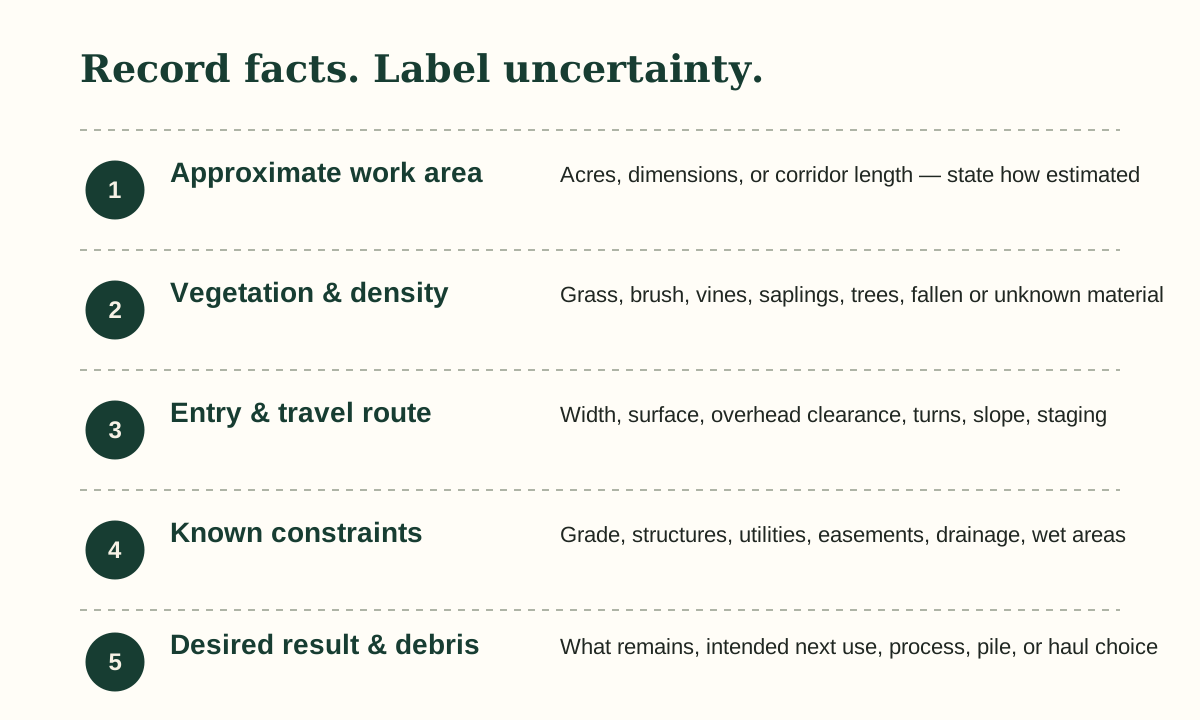
1. Approximate the proposed work area
Record total parcel acreage only if it helps. The more important figure is the area or corridor being considered for work. Use acres, length by width, or a plain-language description and note how the figure was obtained.
A sketch is a conversation aid, not a survey. Do not use it to settle ownership, setbacks, easements, boundaries, or regulated areas.
2. Describe vegetation and retention
Note whether the area is mainly grass, brush, vines, saplings, small trees, larger trees, fallen material, or a mix. Estimate density as light, moderate, or heavy, and call out anything intended to remain.
Do not approach unstable trees, unknown debris, steep edges, wildlife, standing water, or other hazards just to complete a worksheet.
3. Walk the access questions
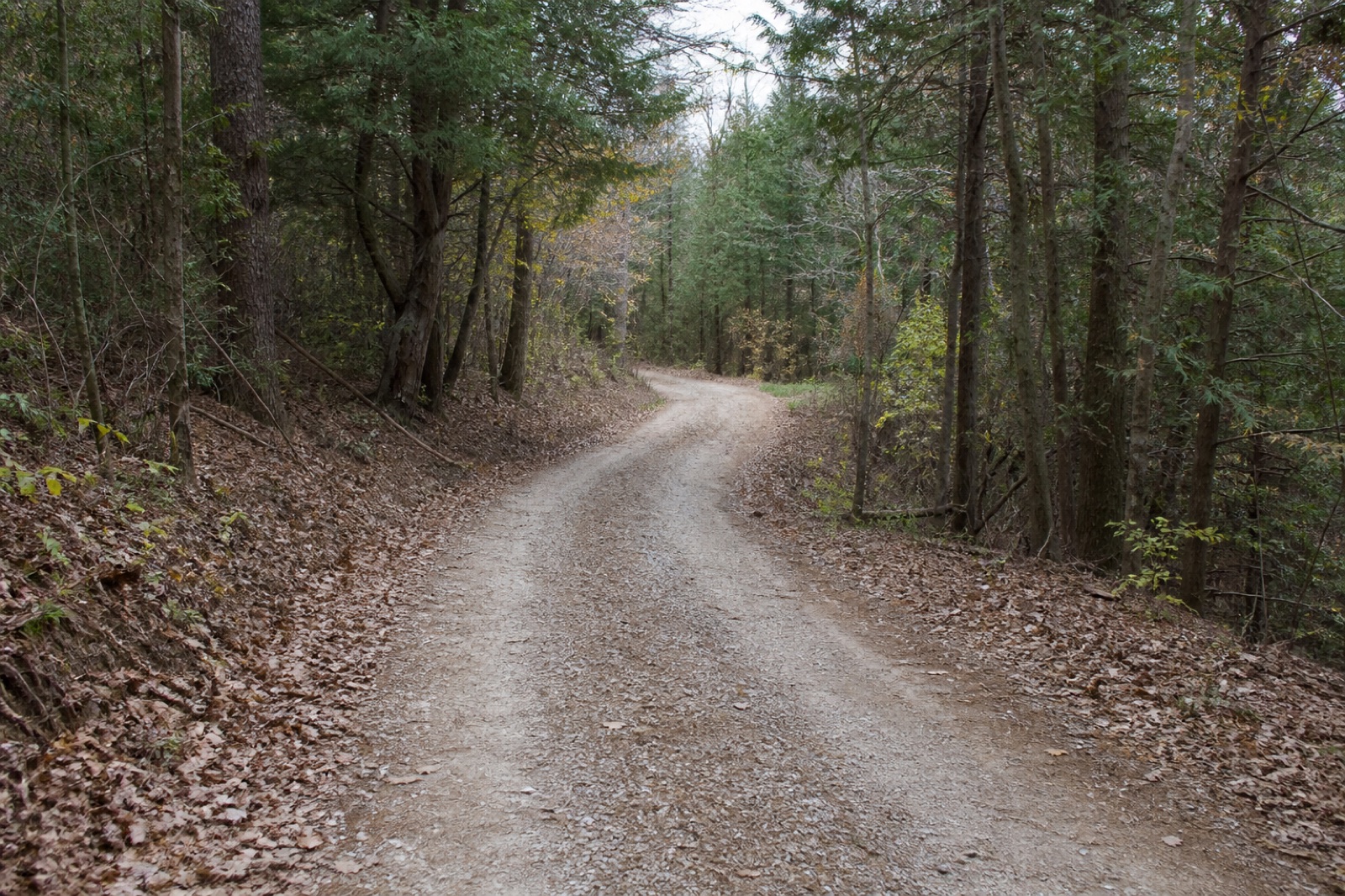
From a safe position, note entry width, gate openings, surface, overhead limbs, sharp turns, slopes, soft areas, bridges, culverts, and potential staging room. Record observations, not assurances that equipment can pass.
Known utilities, structures, easements, drainage paths, wells, tanks, fill, and wet areas belong in the description even when details are uncertain.
4. State the desired result and debris plan
Describe what the area should be ready for next: ongoing vegetation management, a sightline, a fence contractor, a trail, later construction planning, or another use. Ask how material will be handled and what cleanup is included.
Use the same notes for every estimate so differences in scope become visible.
Use the visual worksheet
Swipe or scroll the diagram horizontally to read every column.
Printable field guide
Take the acreage & access checklist
Continue to the local PDF after a successful form submission. The HTML guide above remains completely ungated.
- US Letter planning worksheet
- Official-source reference page
- Reviewed July 30, 2026
Questions property owners ask
Is the HTML guide gated?
No. The complete guide is readable on this page. The separate form is only for immediate access to the printable PDF.
Does the PDF form subscribe me to email?
No. It records guide-download permission only. It is not a service request and does not create recurring-email consent.
Can I upload property photos?
Not at launch. File upload remains disabled until secure storage, access, retention, and deletion controls are verified.